
5 Best Apple Accessories That Make Everything Just Work
Why the right accessories matter more than your iPhone.


When people ask Apple users about their favorite device, the answer is almost always the same: iPhone or MacBook.
That makes sense. Those are the obvious main devices.
But Apple’s product range is much broader than just a phone and a laptop. We have iPhones, iPads, Macs, Apple Watch, AirPods, Apple TV, HomePod, AirTags, accessories — and that’s before you even count different models, storage tiers, or colors.
In total, Apple offers around 30+ hardware products. Add chargers, cables, straps, and cases, and it becomes a full ecosystem.
And that’s where things get interesting.
Because the real magic of Apple isn’t one device. It’s how the right devices — and sometimes the right accessories — work together.
Today I want to share the five devices that genuinely improve my Apple setup. Not because they are new. But because they make daily workflows smoother.
“Made for iPhone” and Third-Party Gear
Before I jump into my list, one important thing.
You don’t have to buy only Apple-made accessories to stay inside the ecosystem.
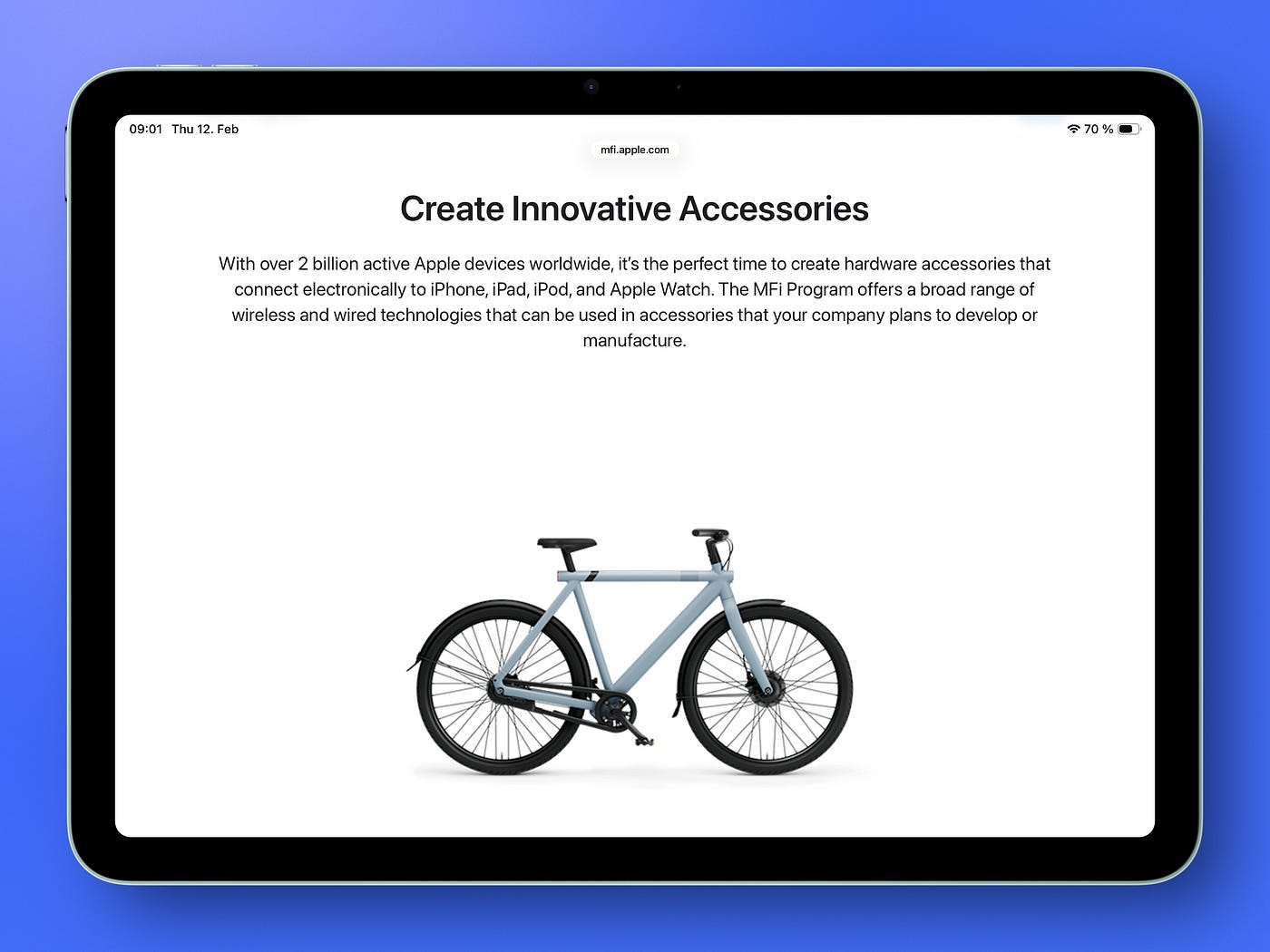
Apple runs the MFi program (Made for iPhone/iPad). It gives third-party manufacturers access to Apple’s technical specifications so they can build certified accessories.
That includes:
Lightning accessories with authentication chips
MagSafe chargers with proper magnetic alignment
Find My accessories that integrate into Apple’s encrypted Find My network
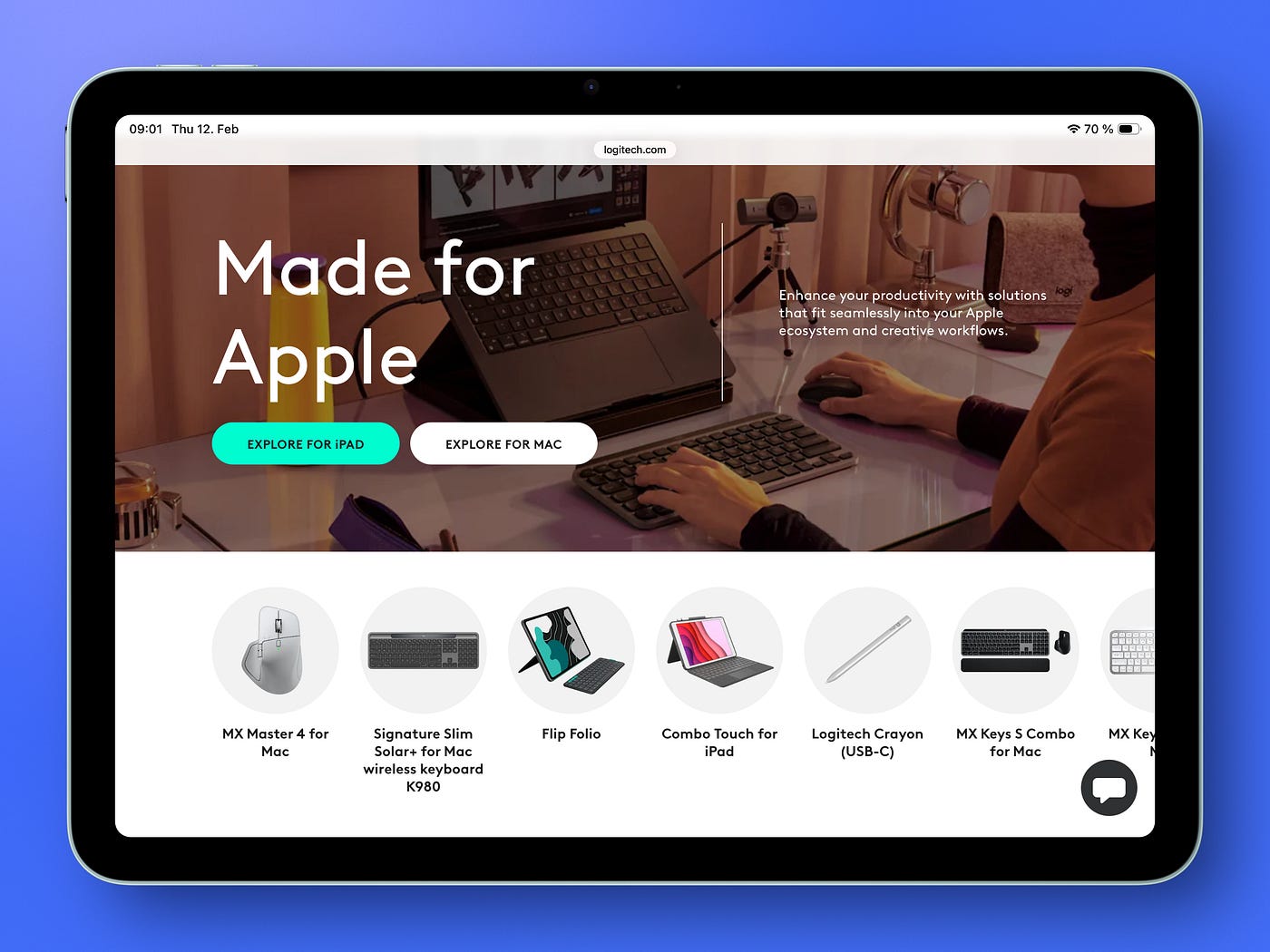
Because of this, many third-party products work perfectly with Apple devices. Some are even more durable than Apple’s own cables or chargers.
I personally use a mix. Apple where it matters most. Third-party where it improves comfort or flexibility. More on that later.
Now let’s get into the five devices that make the biggest difference for me.
1. Magic Keyboard with Touch ID
When I bought my Mac mini M1 in 2022, I needed a keyboard. I didn’t overthink it.
The Magic Keyboard with Touch ID had just been released. Simple design. And only in white color unfortunately.
But the key feature for me was Touch ID. It’s a fingerprint authentication sensor that allows me to:
Unlock my Mac
Autofill passwords
Approve Apple Pay payments.
These are small actions, but they happen many times a day. Touch ID removes friction from all of them.
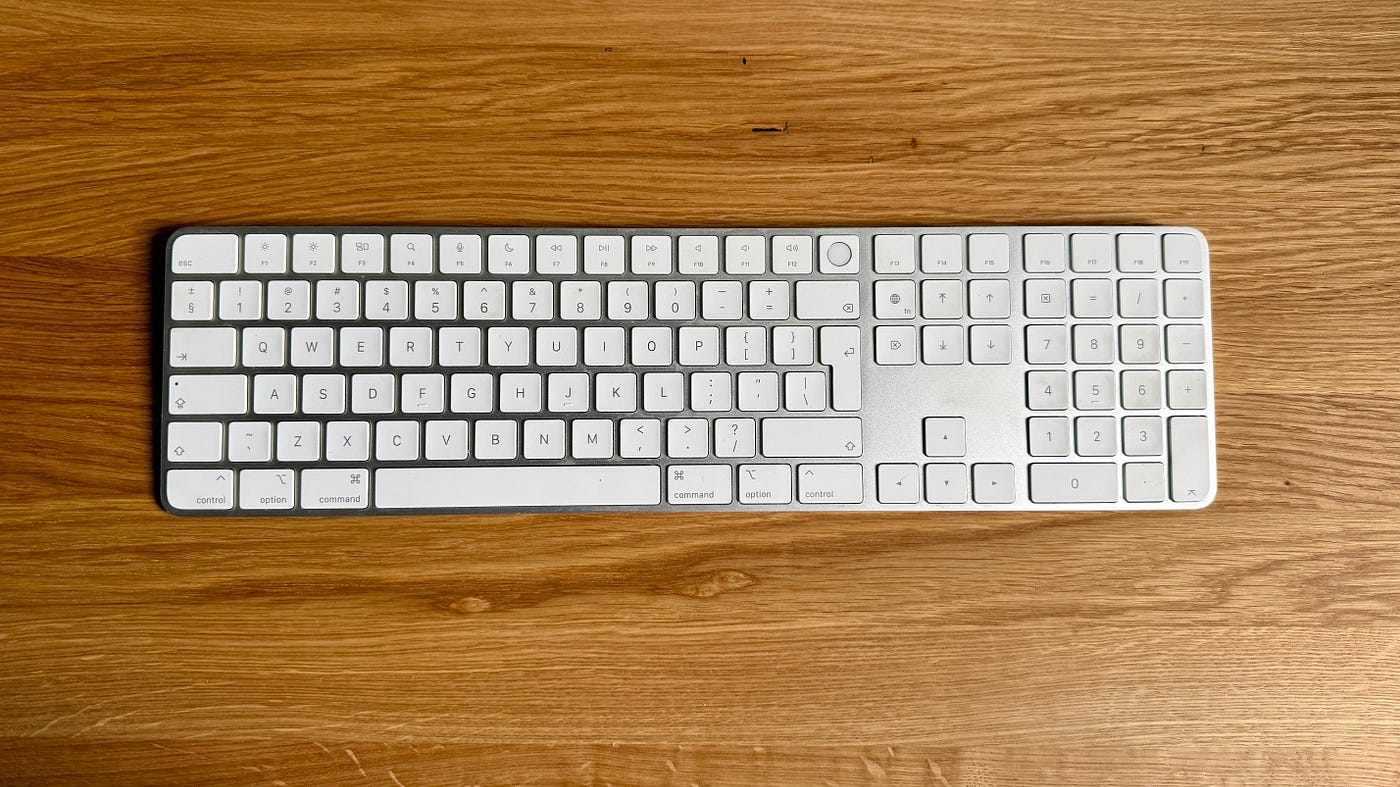
I also prefer low-profile, laptop-style keys. They respond with a soft press instead of a loud mechanical click. It feels controlled and precise. Before switching to Mac, I used ultra-slim aluminum keyboard from Rapoo (model E9070, they don’t produce it anymore).
For my Mac mini, the Apple keyboard was the best choice.
2. AirPods Pro
Yes, the sound quality is good. And after upgrading to the latest version with ANC this year, the noise cancellation helps when I’m working in an open office space.
But that’s not why I keep using them. The main reason is automatic device switching.
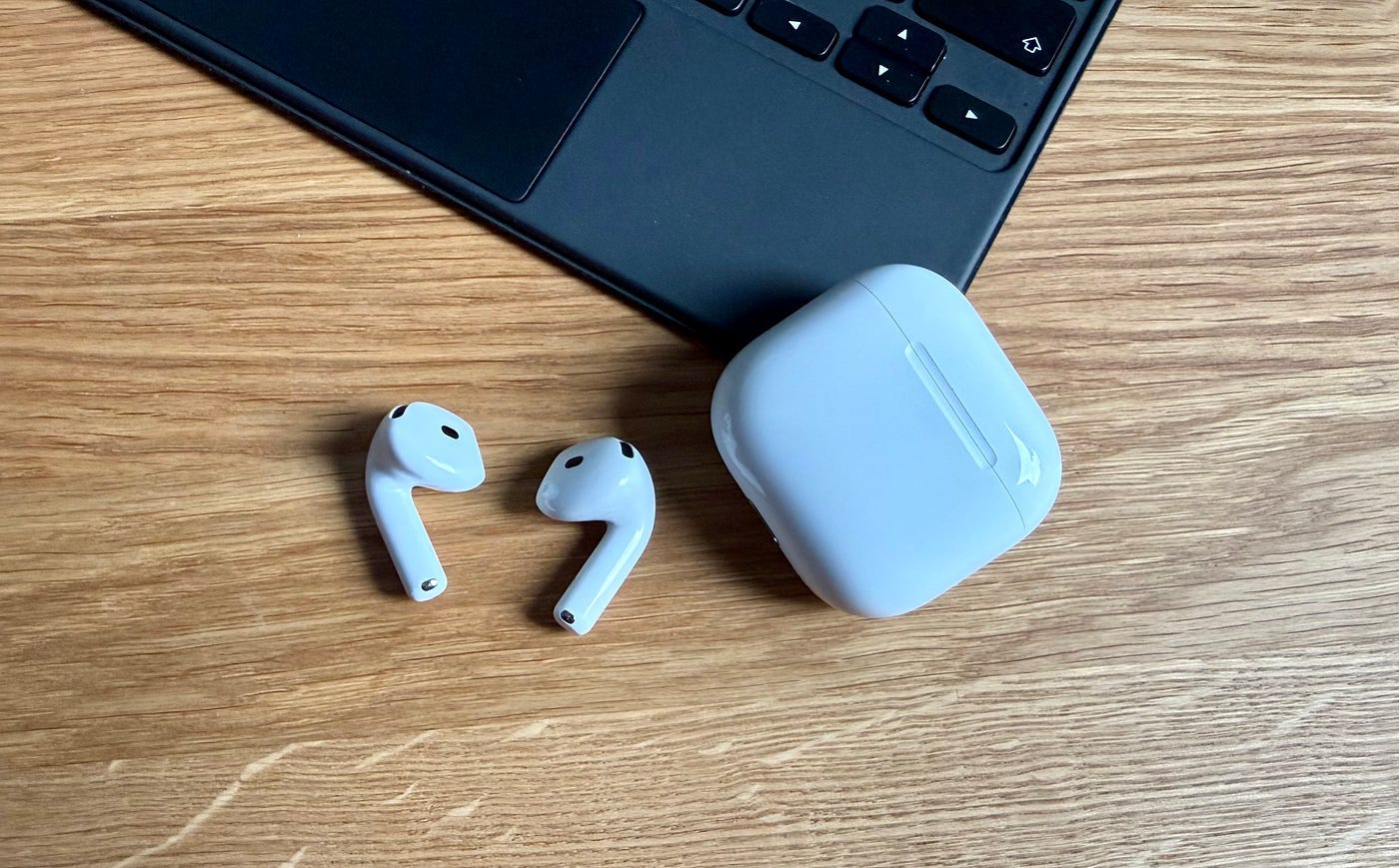
When I work, I often move between my Mac and iPad. AirPods detect which device I’m actively using and switch audio output automatically. No Bluetooth settings and no re-pairing needed.
If someone calls my iPhone, the AirPods switch instantly.
This feature sounds minor on paper, but in daily life, it removes dozens of micro-interruptions.
And that’s what makes a device worth using everyday.
3. Apple Watch
Apple Watch has become deeply integrated into my life. It has changed a lot. And it’s not about notifications — you can get those on any smartwatch, even Garmin.
What really matters is integration.
I use it to:
Tell Siri to update my grocery list in Reminders
Control lights and heating in the Home app
Pay with Apple Pay
Start a Fitness+ workout on Apple TV
Pause Apple TV when my son is watching something on Netflix.
It feels like a remote control for my Apple life.
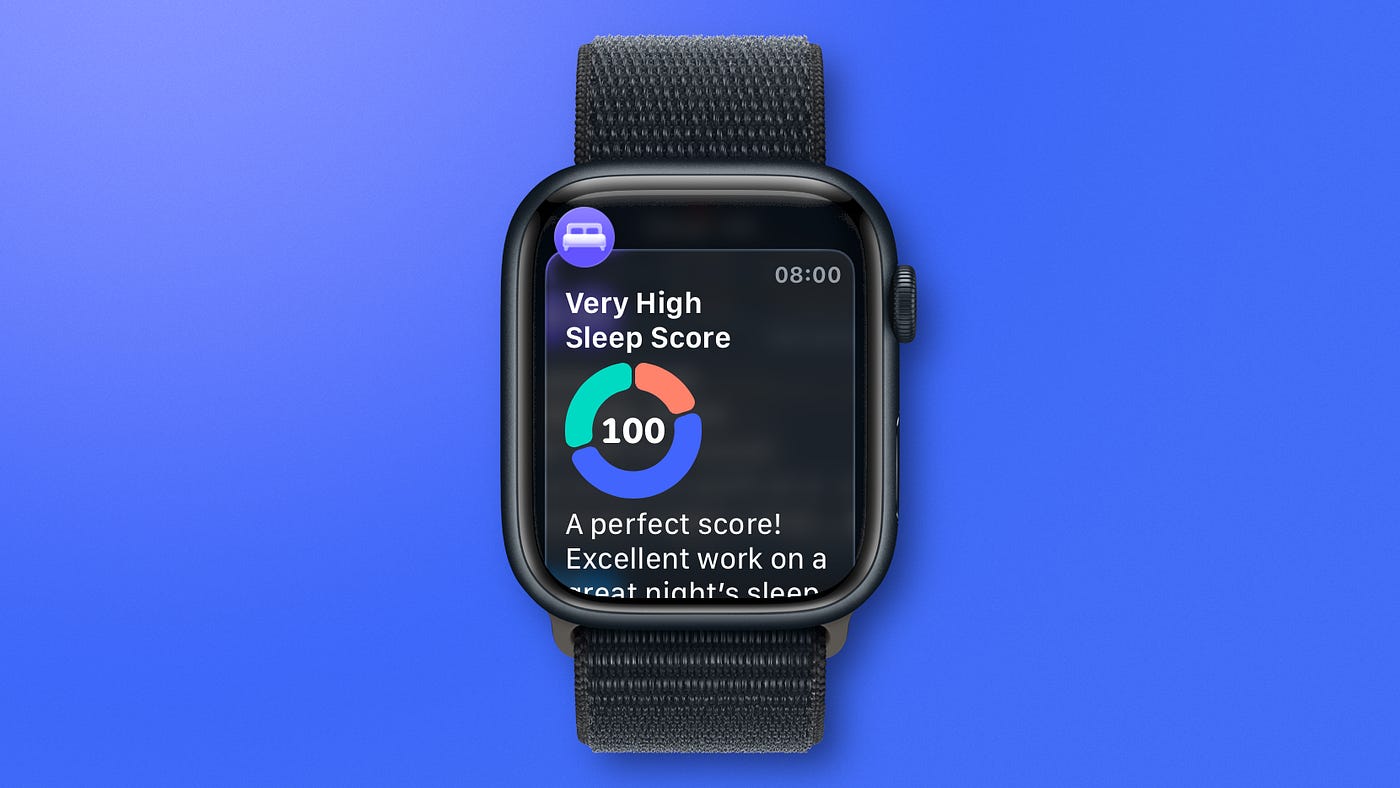
Recently, I’ve also been using sleep tracking more seriously. Wearing the watch overnight gives me a clearer picture of sleep consistency. It detects wake-ups and wakes me with subtle vibrations.
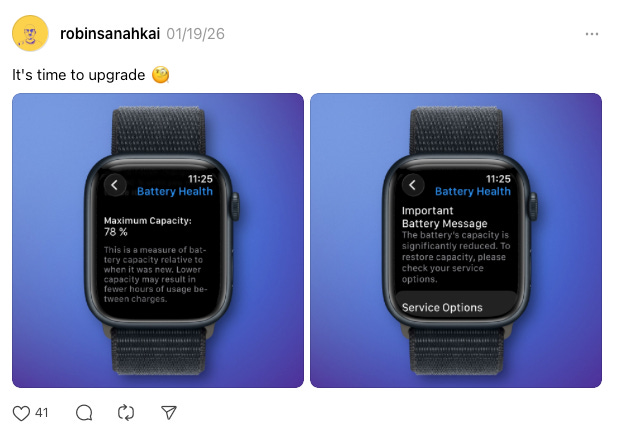
The downside? Battery.
With 78% battery health, I now charge it twice a day. That’s the trade-off. Integration is excellent, battery life is not.
4. iPad Air + Magic Keyboard
I use my iPad every day. Sometimes for work, sometimes for YouTube. But the device becomes even more capable with two accessories:
Magic Keyboard
Apple Pencil
This small keyboard is so well designed that, honestly, I don’t feel much difference between typing on my Mac and on the iPad. It also works as a protective case, so the iPad becomes a compact laptop when I need it.
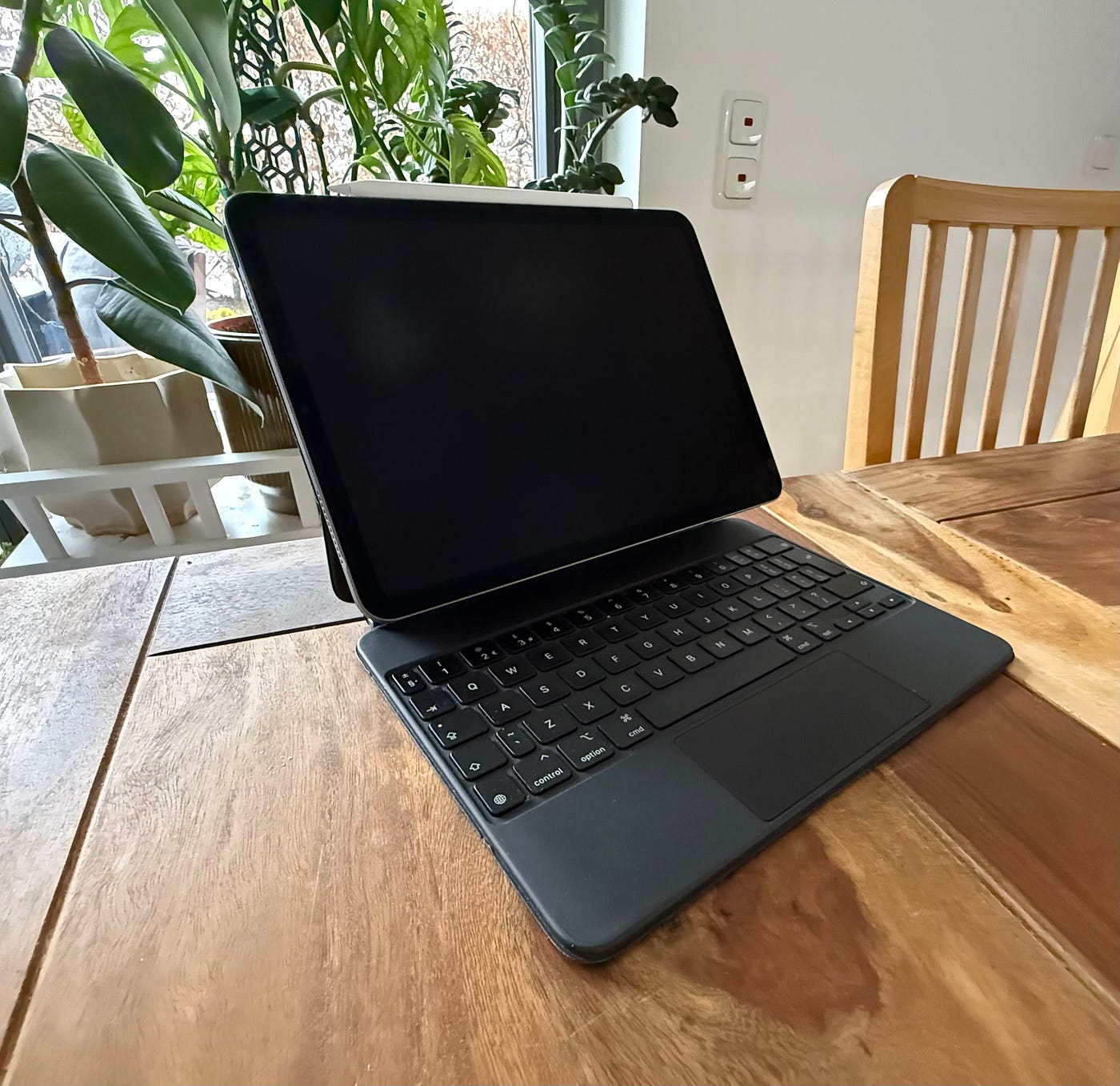
When I travel, I often leave my MacBook at home and take only the iPad. It’s lighter, simpler, and enough for most of my work.
And then there’s Sidecar.
Using the iPad as a second display for my Mac is one of the most underrated Apple ecosystem features. It extends my desktop wirelessly and works reliably. No third-party apps, and no cables required.
That’s ecosystem value in practice.
5. Logitech MX Master
This is my main non-Apple device. I use Apple’s keyboard, but for the mouse I chose the MX Master.
Why? Comfort.
For my wrist, it feels better than the Magic Mouse. Maybe I didn’t give the Magic Mouse enough time. But after testing it in Apple Stores, I feel like it wasn’t for me.
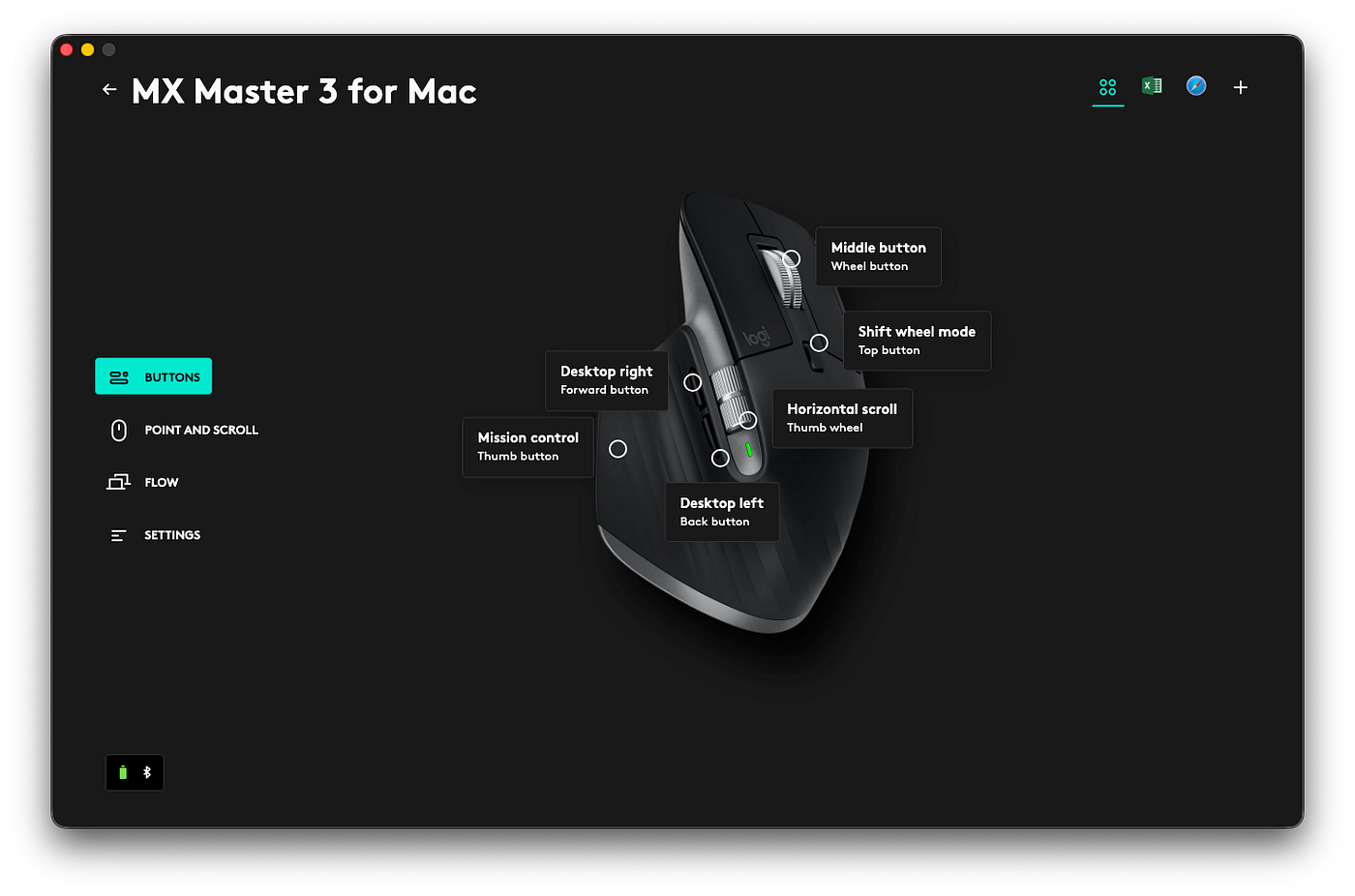
What I like most is that I can configure the buttons. There are two small buttons I use to switch my Mac OS desktops left and right. I usually use three desktops where I have opened different apps. Switching them with just using a buttons is simple and comfortable.
I can also set different actions for different apps, like Safari. The MX Master behaves differently depending on which app I’m using.
The downside is software. Logi Options+ can be buggy at times. Occasionally, custom buttons stop working as expected.
It wouldn’t happen with the Magic Mouse, so sometimes I think about switching.
What Actually Makes the Apple Ecosystem “Magic”
It’s not a single device. It’s how they communicate to each other.
AirPods switch automatically.
Apple Watch controls Apple TV.
iPad becomes a Mac display.
Touch ID unlocks everything.
And certified third-party accessories extend the system without breaking it.
You don’t need every Apple product. But once you have two or three that truly integrate, the experience changes.
Often, it’s the small accessories — keyboard, mouse, earbuds — that make the biggest difference in daily workflows.
You might also like…
Final Thoughts
Apple’s strength is not individual hardware.
When your devices feel like one system instead of separate machines, daily work becomes simpler and more focused.
That’s what keeps me in the ecosystem.
P.S. I write weekly about Apple systems and workflows like this in my newsletter.
Thanks for reading,
-Robin