

9 Best Uses for Apple Reminders Most People Miss
Hidden features in Apple Reminders that change everything

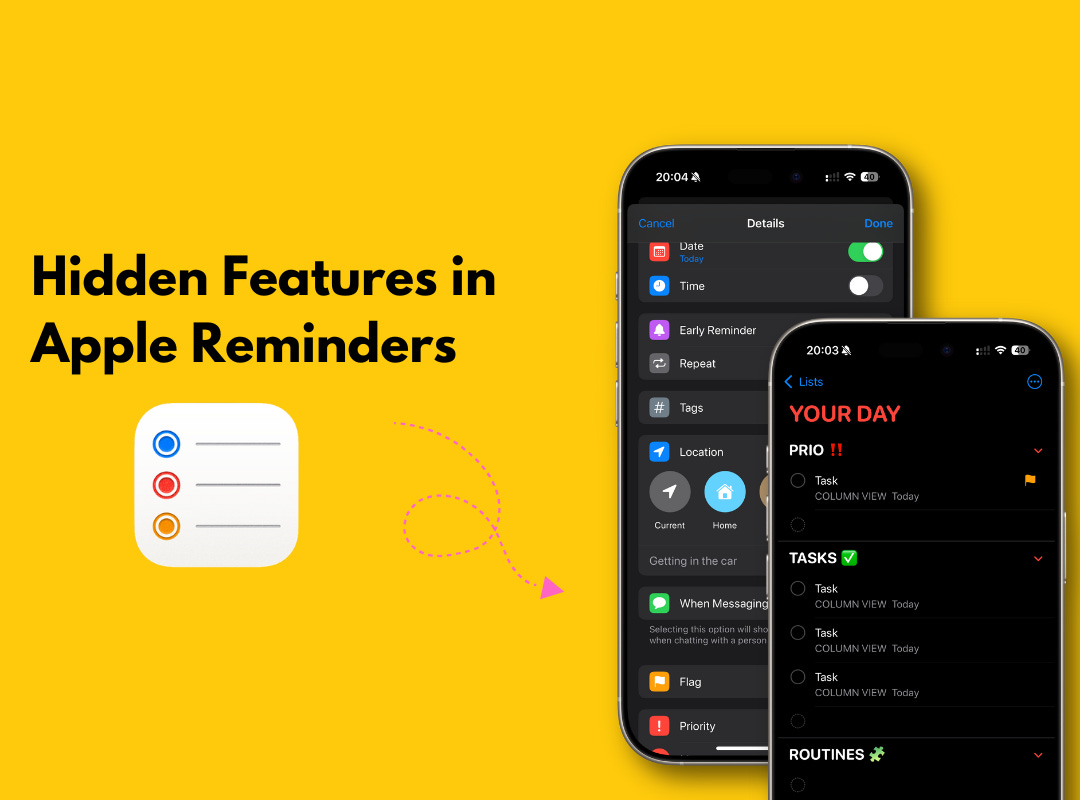
Apple Reminders is a powerful tool. Yet, most people don’t know how to use it.
Mostly they use it for groceries and doctor appointments. For other things they use:
Todoist
Notion
Things 3
Wunderlist
But this tool can do much more than that. When I look at Apple Reminders discussion over the internet, users say it’s “Way better than I expected”.
Well, I can’t agree more.
The best ways to use Apple Reminders
Apple Reminders is my daily activity manager. Without it, I’m lost.
There I track weekly priorities, business tasks and personal appointments. In this story I’ll show you exactly how to use Apple Reminders.
1. How to organize life with Apple Reminders
Reminders is where my day starts. I open it every morning. Reprioritize. Make a plan.
I built a system over time that covers everything — home, work, side hustle.
Here’s how it’s organized:
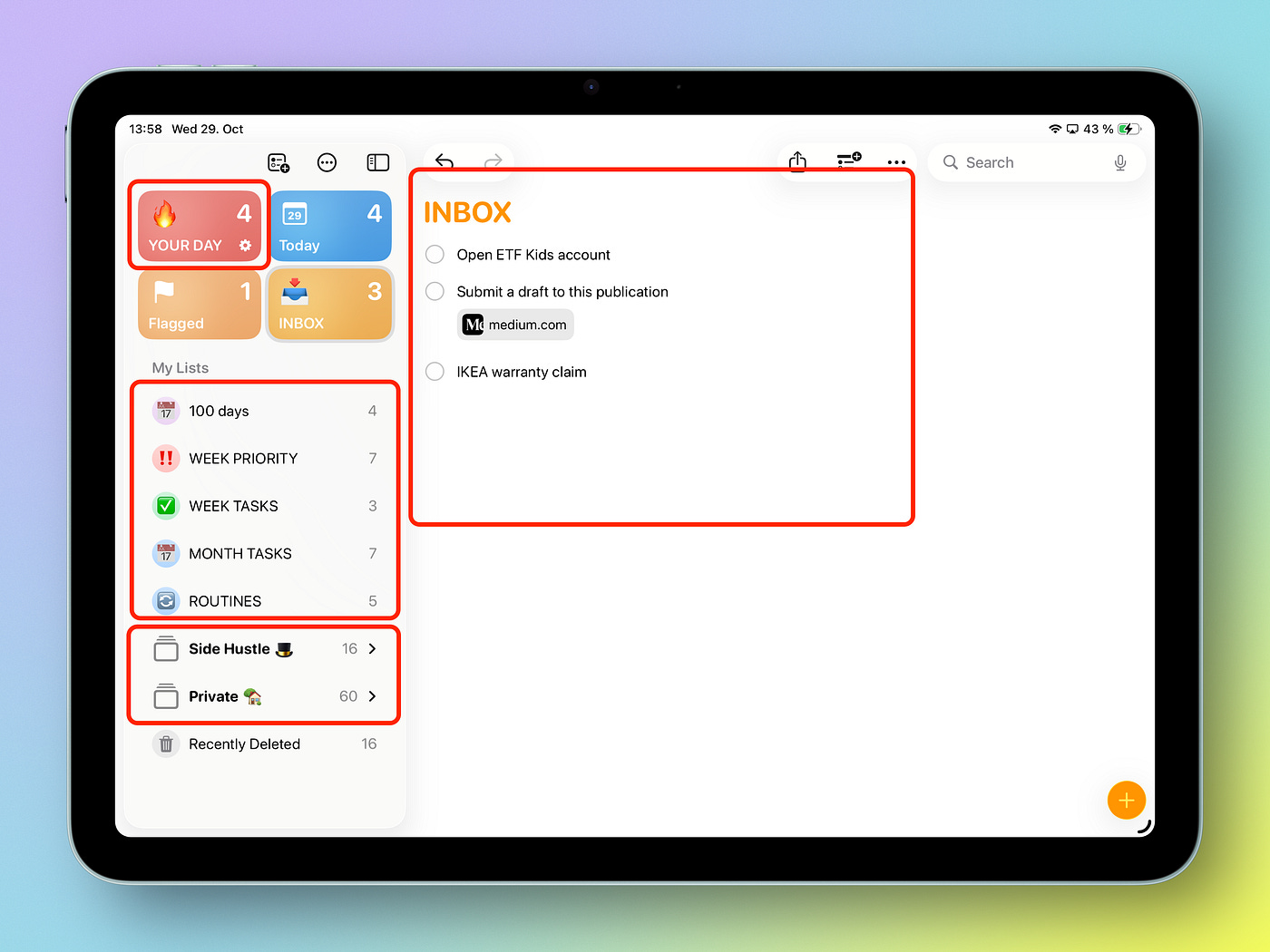
INBOX
Anything new goes here. Ideas. Tasks. Once a week, I clean it up and move things into proper lists.
FOLDERS
I have folders like “Private” for personal stuff and “Side Hustle” for my business. Each folder has multiple lists.
What I like about folders is when you click on them, you can see all reminders from each of the lists inside.
LISTS (time-based)
I keep 4 lists that are time-related. I update them often and use them to plan ahead. It’s how I keep things under control:
ROUTINES: daily habits, challenges, learning
MONTH TASKS: what I plan to do this month
WEEK TASKS: what I want to do within the week. I update it around every weekend, usually on Friday or Sunday
WEEK PRIORITY: 1–2 most important tasks
2. Using Apple Reminders for business
I eventually moved all my business plans and improvements to Apple Reminders.
Other creators usually manage them through Notion or Excel. For me, Reminders is the right place.
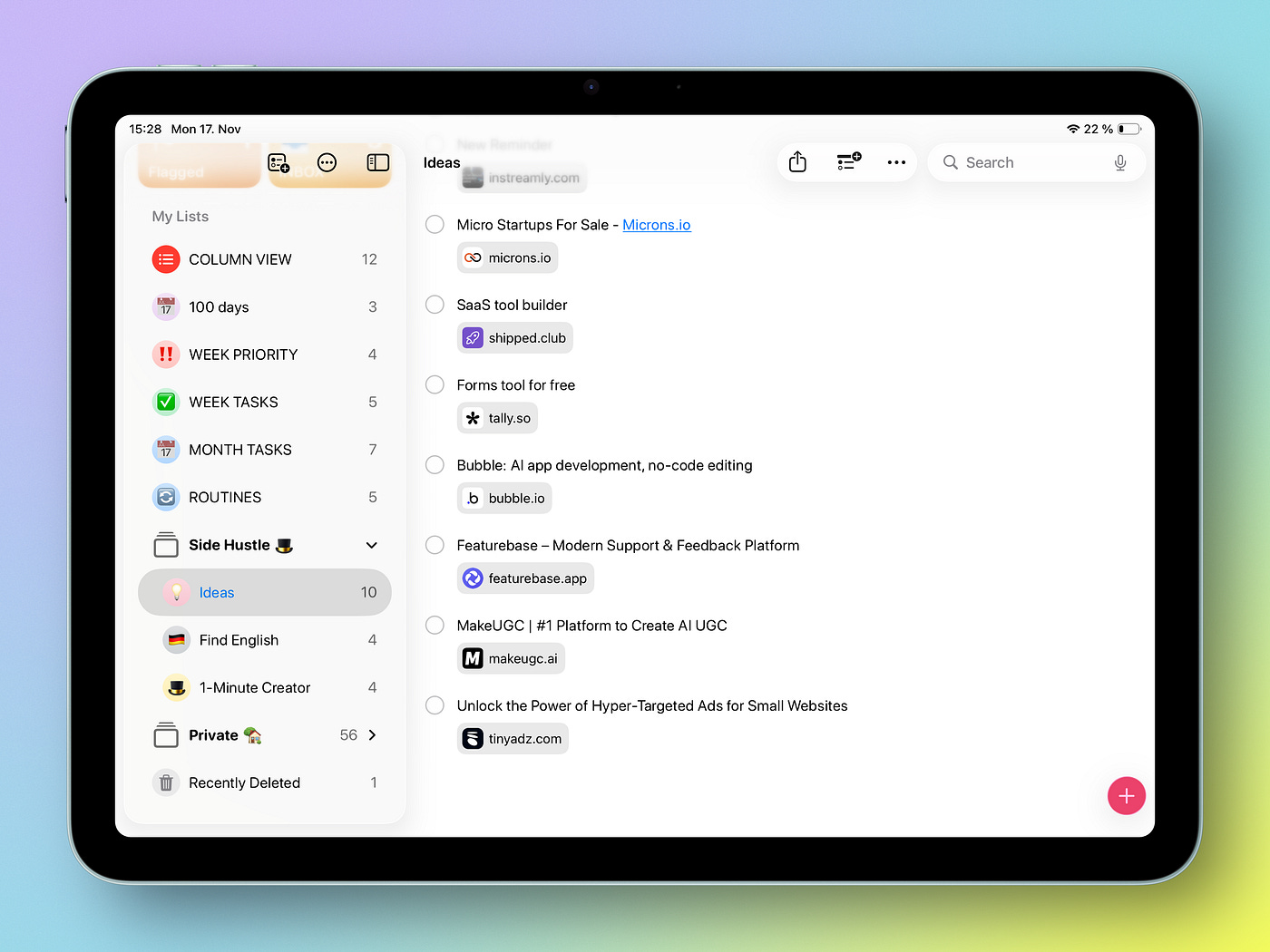
I created a folder with lists (subcategories) from all areas of my business:
ideas (usually from bookmarks),
newsletter growth,
products on Gumroad,
Medium (improvements in writing),
and general topics.
I review them all every month and decide what I want to do next.
3. Apple Reminders for productivity
What’s the best way to set up Apple Reminders for maximum productivity.
To me it’s a single priorities list. I don’t use the built-in Today view in Reminders. It just shows everything due today, which can be chaos.
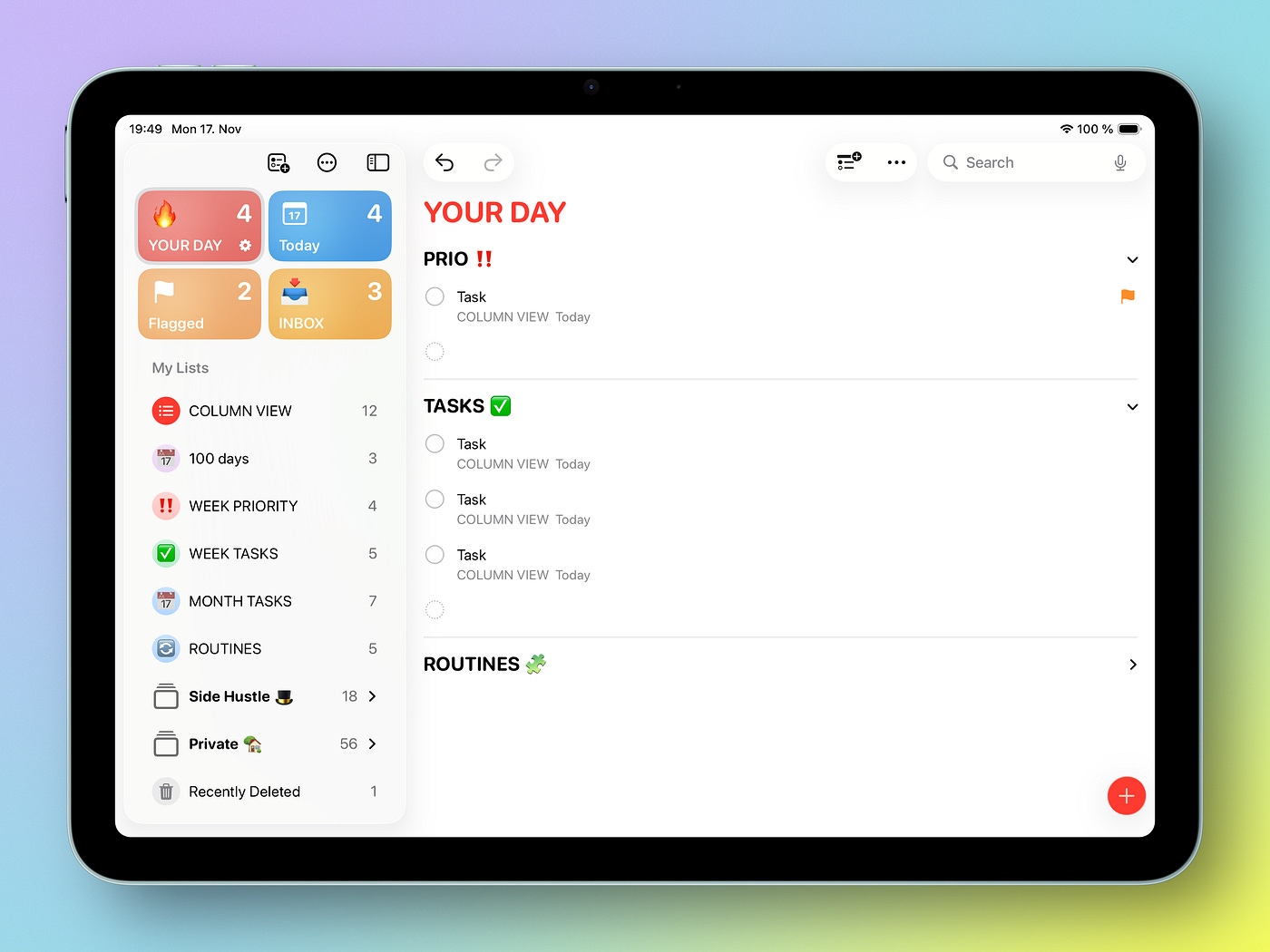
Instead, I built my own Today list.
How it works:
Create a list called TODAY.
Add two sections: Priority and Tasks.
Each morning, I move items from Planner → Week → Today.
Then I choose ONE task as my absolute priority. That’s the one I’ll feel good about finishing, even if nothing else gets done.
The rest go into Tasks.
This keeps me from falling into the trap of “busy but not productive.” Every day, I start with the thing that matters most.
4. Apple Reminders for content creators
In Apple Reminders you can attach notes, URLs & files to individual reminders. I don’t love Safari’s built-in reading list. It’s a black hole.
Keep reading with a 7-day free trial
Subscribe to 1-Minute Creator to keep reading this post and get 7 days of free access to the full post archives.